
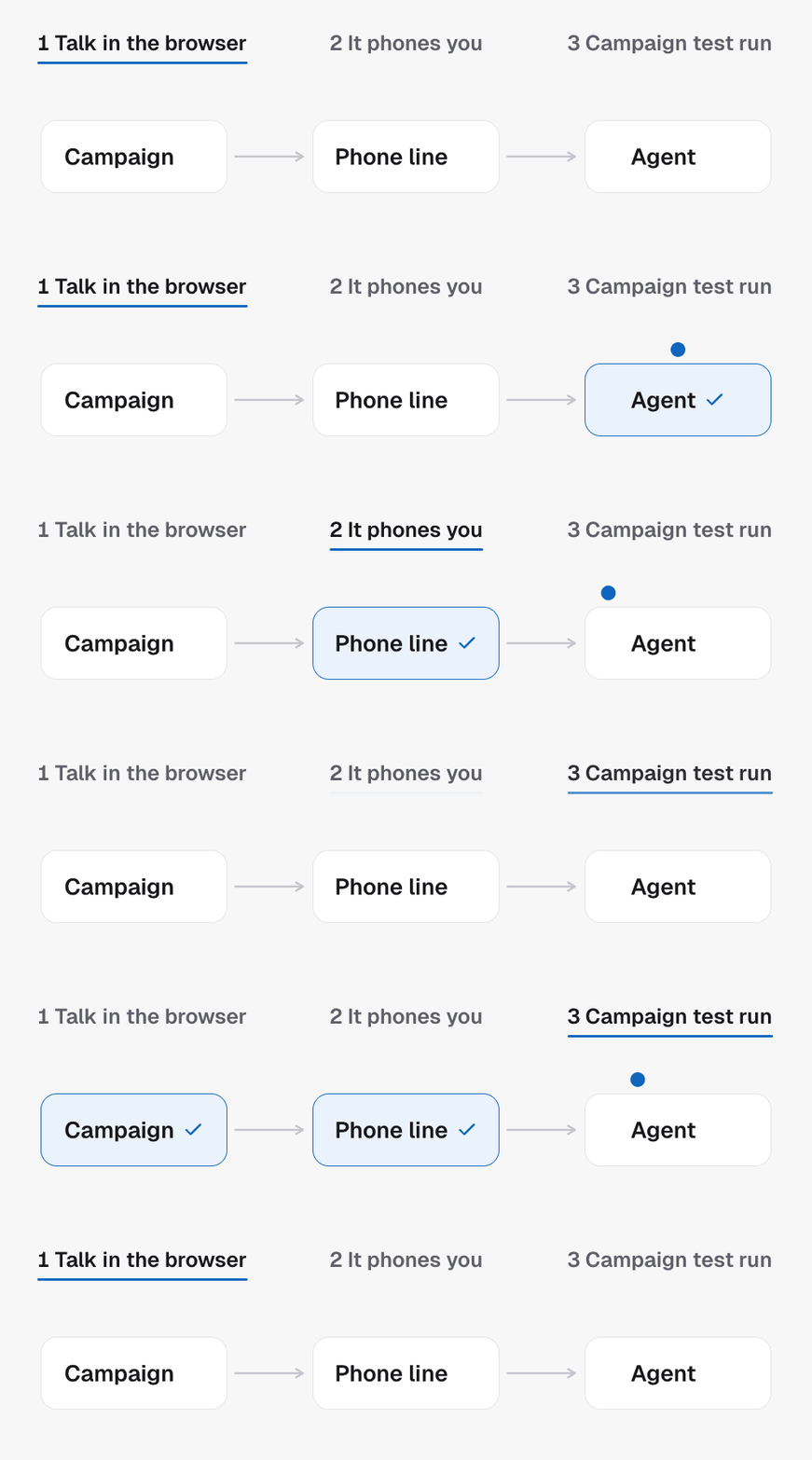
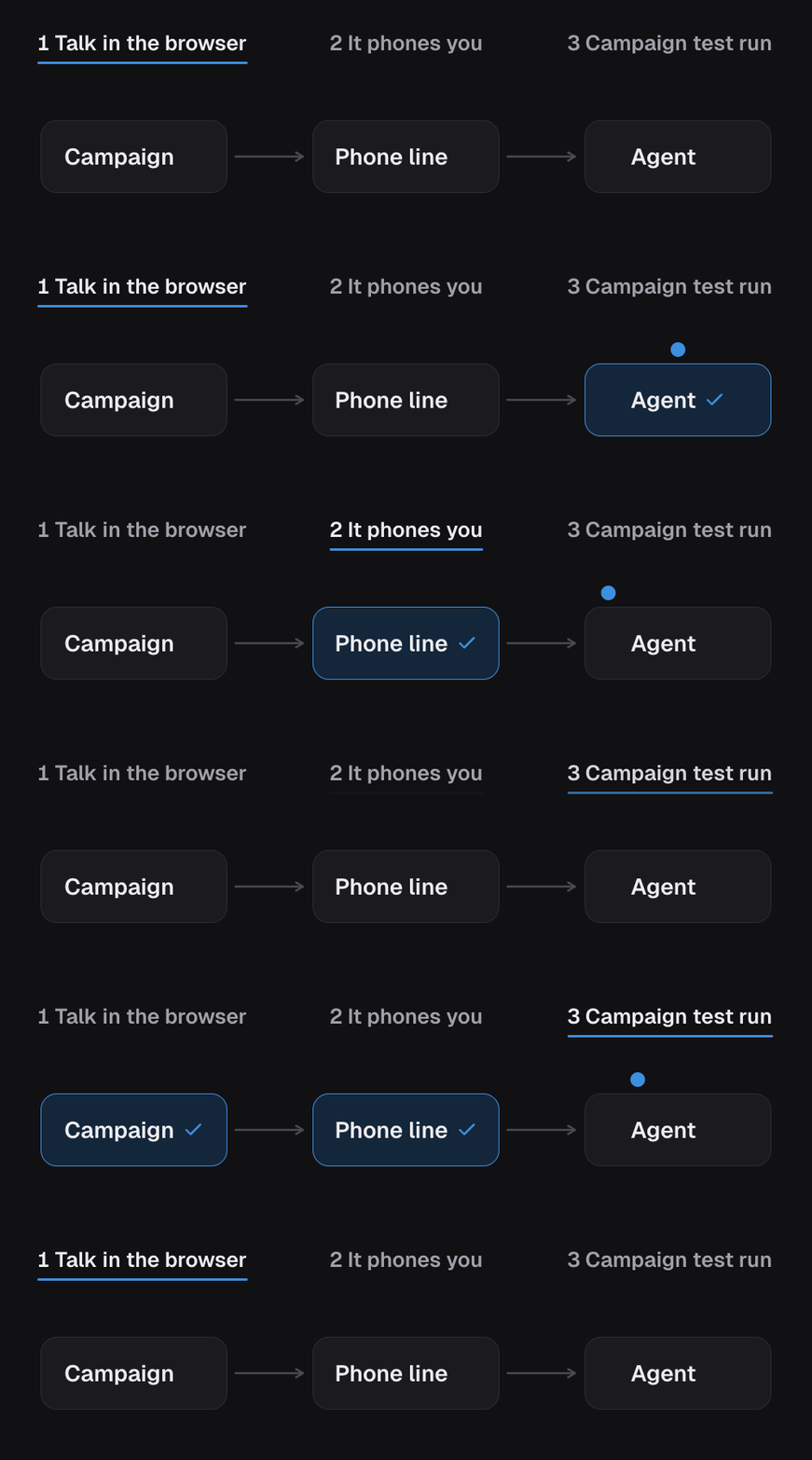
Prerequisites
- An agent, with its prompt and voice set. See Quickstart.
- A payment method on your agency wallet. Test minutes bill exactly like real minutes, and the phone and browser tests refuse to start without one.
- For the phone tests, a number on the campaign. See Phone numbers and caller ID.
- An API key with
calls:writefor the phone and browser tests, andagents:writefor the campaign test run.
Step 1: Talk to it in the browser
The quickest loop for prompt work. No number, no phone, no lead data. Call Create web agent session for the agent. The response carriesaccessToken, callId and agentName.
The token opens a live browser conversation with the agent, using the agent’s
own prompt and opening line untouched. In the dashboard, this is the Test
tab beside Build at the top of the chat: Talk speaks with the agent in
your browser and Type lets you write to it instead. Neither needs a phone
number or places a phone call.
Because there is no lead, the lead-specific variables in the prompt are empty.
That is expected. You are checking tone, flow and how the agent handles
objections, not personalisation.
A 409 means a billing gate: no payment method, a depleted wallet, or a halted
project. The message says which. A 502 means the voice provider refused to
start the session and nothing is wrong with the agent.
Step 2: Have it phone you
This is what a lead will hear, on a real line, from the campaign’s caller ID. Call Create test call with:toNumber: your phone, in E.164.fromNumber: one of the campaign’s numbers.contact: optional stand-in lead data, such as a name, so the prompt’s variables fill in the way they will on a real call.locationIdandcampaignIdwhen the agent serves more than one campaign.
Step 3: Run a campaign test run
The two tests above call the agent directly. They skip the campaign: the trigger tag, the calling window, the dispatch mode, the workflow. A campaign test run pushes one contact through the real entry, as if the trigger tag had just landed on them in GoHighLevel.- Call Create campaign test run
with a
contactIdfrom the sub-account, or acontactobject to create one, andcallerPhone, the number the agent should dial. SetagentTest: trueto mark the resulting call as a test. - The response carries an intent id. Poll
Get campaign test run status
with it.
consumedturns true when the campaign has picked the contact up,eventslists what happened,triggerKindsays which entry fired, andplacementFailureexplains it when no call was placed. - Check the outcome did the follow-up you expect: the booking, and on a GoHighLevel sub-account the note, the tag and the stage. See Campaign workflows.
Keep your test calls out of the numbers
Mark your own number as internal so your tests do not drag down the booking rate you show clients. Call Update contact withisInternal: true and the project’s locationId, using your phone
number as the id with idType: phone. The calls stay in the
record and out of the figures. See Contacts and leads.
Next steps
- Testing and sharing for the web test link and the floating widget you can hand to a client or put on a site.
- Go live once the test run does what you expect.
- Run a split test when you want to know which of two versions leads prefer.
- Try the conversation for what to listen for before you launch.