
It happens in the background, on purpose
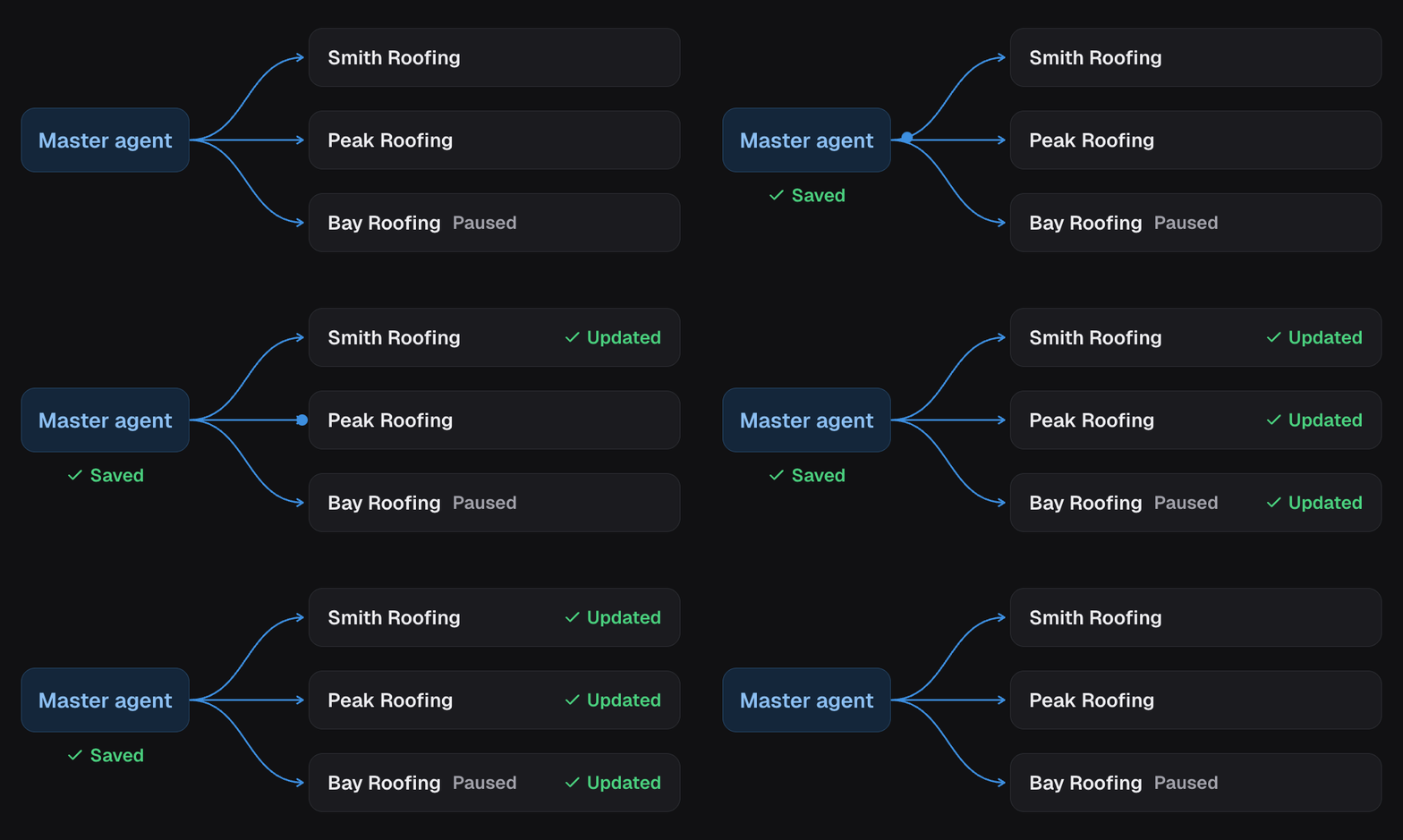
Save the parent, then let the updates finish in the background. You can keep working while linked projects catch up.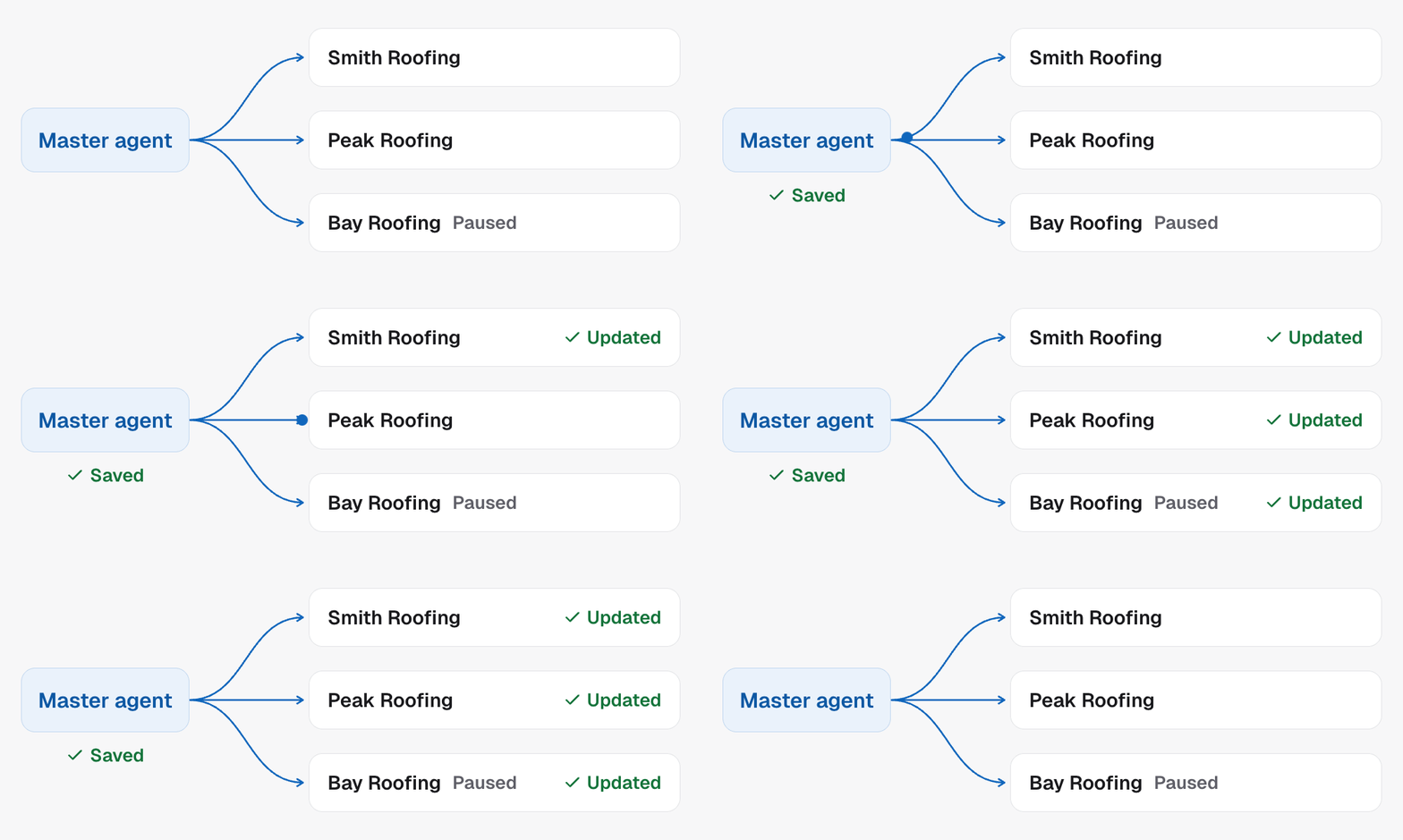
Two things a rollout will not do
It will not overwrite a binding. A calendar, pipeline stage or transfer number that is set on a project stays set. See bindings. It will not switch anyone on. Live status is per project. Rolling out a change to a paused project leaves it paused.Adding a step to the flow
When you add a node to the parent that needs a local asset (a booking action, a Move Stage), it reaches the children unbound. That is the safe outcome, not a bug. The alternative is every project inheriting the parent’s calendar ID and booking into one sub account. Expect those projects to show as needing attention afterwards, and expect to connect the new asset on each. Adding a booking step to a thirty-client master agent is thirty small bindings, and there is no way around that which is also safe.When a change genuinely has not landed
Work down this list:1
Is it actually a shared field?
Calendars, transfer numbers, pipeline stages, phone numbers and live status
are local by design. Check
what syncs before treating it as a
failure.
2
Is that project still linked?
An unlinked project keeps its campaign and simply stops receiving updates.
3
Is the project simply switched off?
A rollout never switches anyone on. A paused project receives the change and
stays paused, so the change is there and nothing is calling.An unresolved binding looks similar but is not the same thing: it blocks
go-live, not the sync. That project has your change; it just cannot be
activated until its calendar or pipeline is connected.
4
Did the call actually happen?
Run history on that project answers what ran, as
opposed to what is configured.
In the API
- Update campaign on the parent starts the rollout
- Get master agent state lists every linked project and whether it is current
- List campaign runs on a project answers what ran