
The agent: the voice that talks
An agent is the caller. It’s a voice that runs on a computer and talks like a person. You give it a goal (book a meeting, get someone on the phone) and a few rules, and it handles the conversation on its own. You don’t script every word. You brief it, the way you’d brief a new hire on their first day, then let it do the talking.The campaign: the plan for calling
An agent on its own is just a voice with nothing to do. A campaign is the plan that puts it to work. The campaign answers the practical questions:- Who do we call?
- What hours are we allowed to call them?
- How many times, and how far apart?
- What number shows up on their phone?
What happens after a call
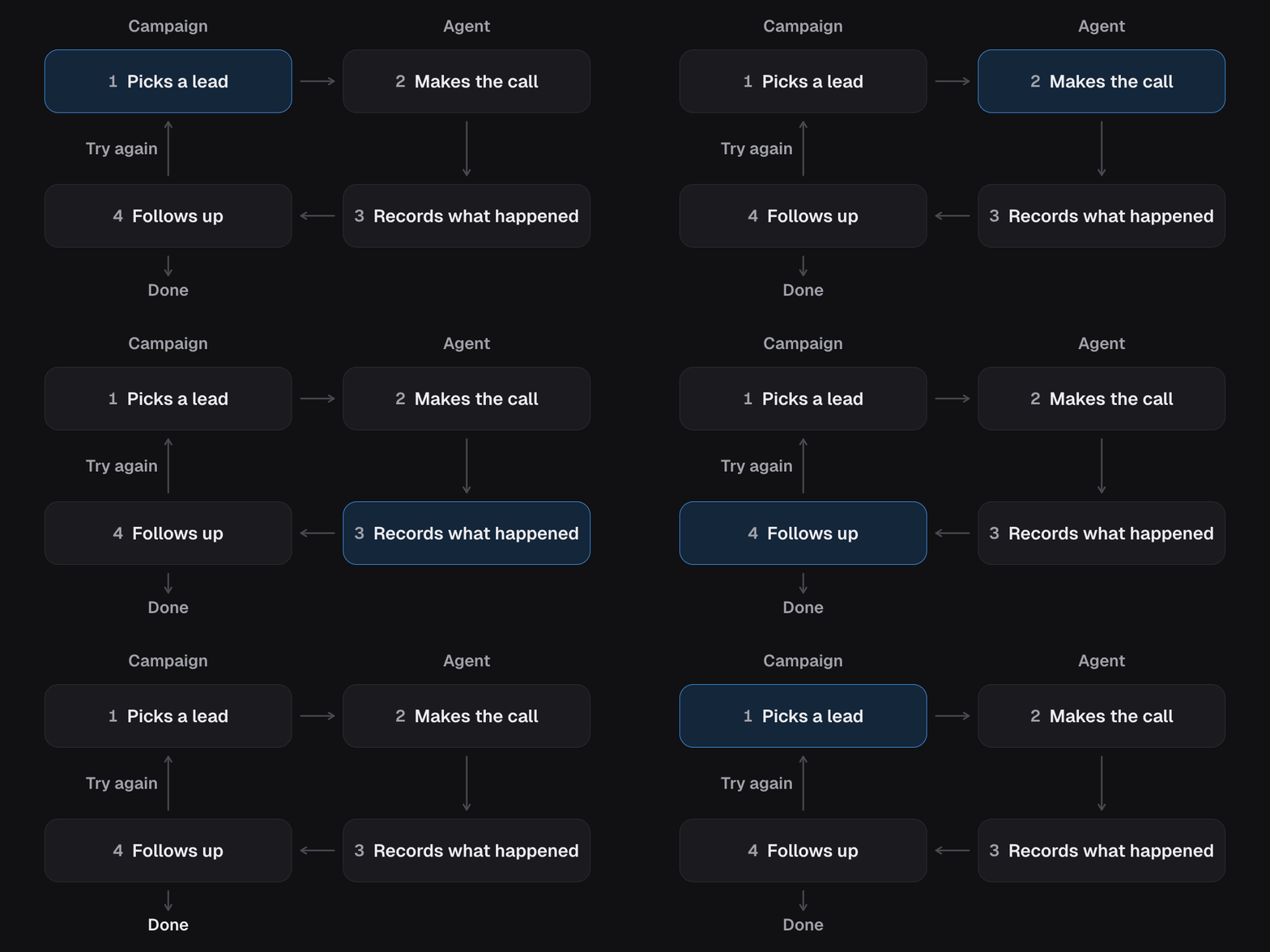
Every call ends. When it does, the agent decides what happened (they booked, they asked for a callback, they said stop calling) and writes down the useful bits. Then the campaign can act on that: send a text, add a label, try again tomorrow, or leave them alone. So the loop is simple: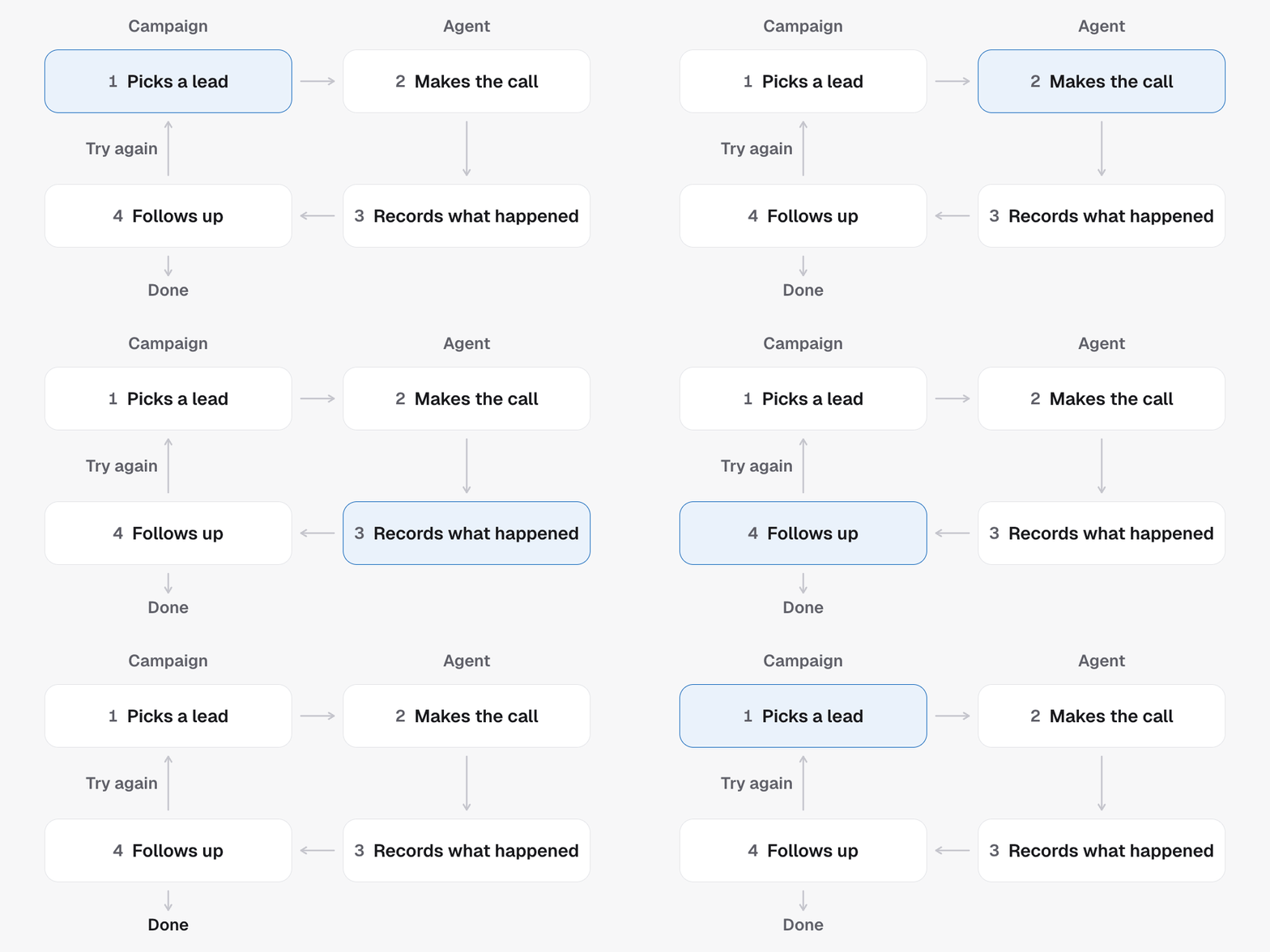
1
The campaign picks someone to call
A contact gets the entry tag, and the campaign dials now or queues them,
based on its dispatch mode and
calling window.
2
The agent makes the call
It talks, listens, and works toward the goal you gave it, reaching for its
skills when a moment calls for one.
3
The call gets an outcome
The agent decides what happened and records it. See
What your agent records.
4
The campaign follows up
Text, tag, retry, or stop, based on that outcome. See
Campaign workflows.
Where it all lives
Every agent and campaign belongs to a project, which is one sub-account. A project keeps its contacts in GoHighLevel or in Team Follow Up. Either way the contacts, the calendar and the outcomes live with the project, and tags and pipelines are there too when it uses GoHighLevel. Your agency can run many projects, and one master agent can run the same campaign in all of them. See Agencies, projects and sub-accounts. Everything in the loop is reachable over the API: the agent and its campaign through Create agent, the record of each call through List calls. The API reference is grouped the same way these guides are.Start with agents
What an agent is, the types you can pick, what it says, and how it sounds.
Then campaigns
Who gets called, when, how often, and what happens after each call.