
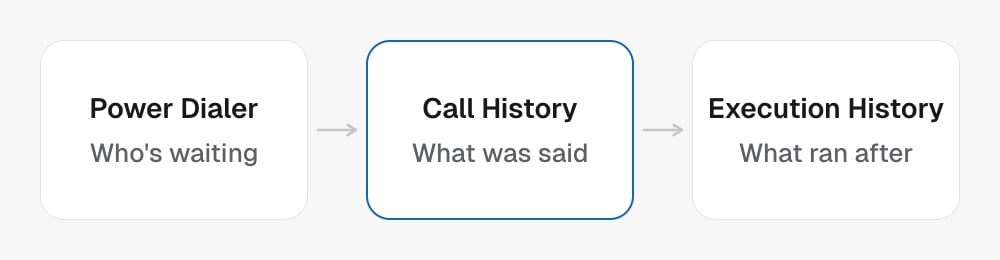
Find the call
- Choose the project and time range.
- Use the available filters to narrow the list.
- Open the actual call record and inspect the fields returned.
- Use the transcript, outcome and available recording to support the answer.
Follow the work around a call
Campaign run history helps trace campaign execution. Power Dialer queue state helps explain upcoming or stuck attempts. Reading either does not place another call. To place an intentional test, use Test calls. To change what future calls record, edit post-call analysis.Explain results with their scope
Mention the date range, filters and relevant project when summarizing calls. A missing result in a filtered or paginated list is not proof that a call never happened.In the API
- List calls with the project and date filters
- Get call by record
id, or by the voice platform’scallIdwithidType=call - List campaign runs for the execution log