
Matched once, by name
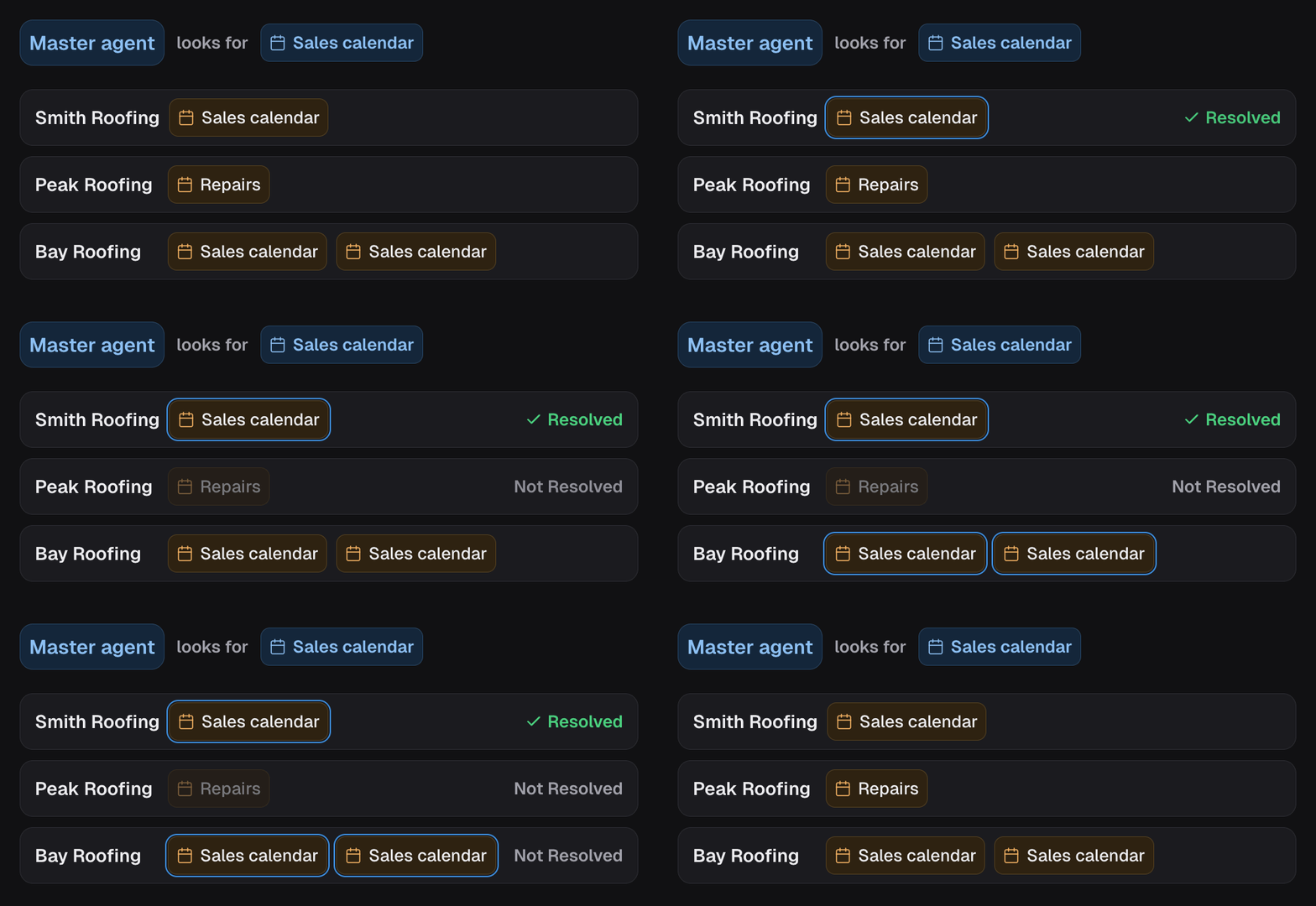
When a project is first linked, the system compares the primary sub account’s assets with the new one and treats the primary names as canonical. Where a name matches exactly one asset locally, it binds automatically.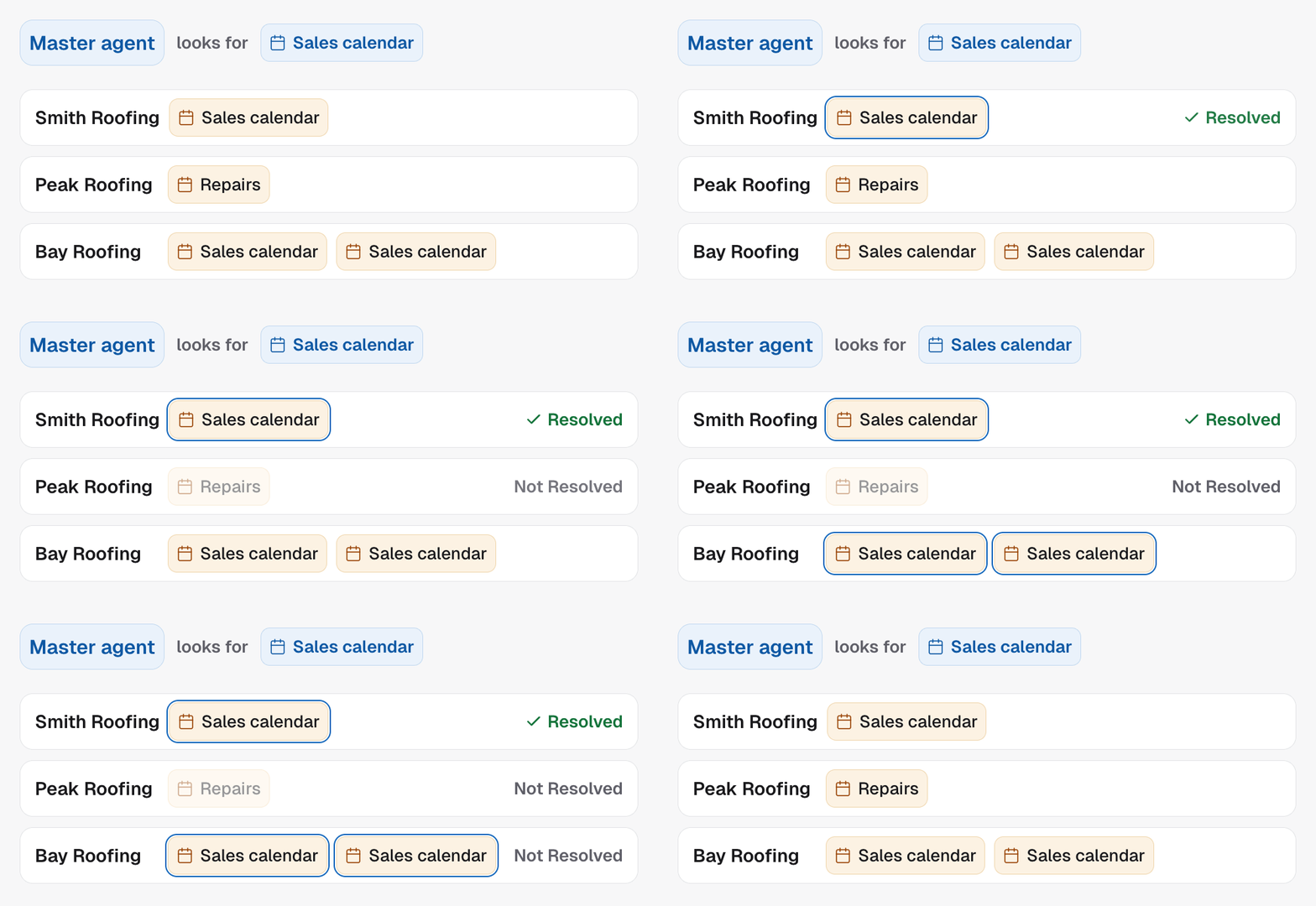
An inventory or connection failure is never reported as “missing assets”. Missing means
“we looked and it is not there”. Failed means “we could not look”, and those are
different problems with different fixes.
After the first link, your bindings win
Name matching runs once, when the project is connected. After that the
child’s bindings are authoritative and a parent save cannot disturb them.
- Calendar rules are carried by their condition, not their position in the list. Reordering rules on the parent cannot orphan a child’s binding.
- New rules and nodes arrive unbound. A node you add on the parent reaches the children carrying no IDs at all, and flags as missing. It never arrives carrying the parent’s IDs.
Why a project will not go live
A child campaign cannot be activated while its binding scan is pending, needs attention, or failed. Only ready clears it. This is the same idea as the go live checklist, applied per linked project: a campaign that would book into nothing, or into somebody else’s calendar, is stopped before it dials rather than after. Project Manager is where these show up. If one client out of thirty is showing a setup warning, this is almost always why.In the API
- Get master agent state lists each linked project with its
masterBindingScanStatus:pendingwhile the scan is queued,readywhen every asset resolved,needs_attentionwhen one could not be matched, andfailedwhen the scan itself errored - Link a project to this master agent runs the first name match
- Update campaign on the child sets a binding by hand