
What you can read
Custom fields and custom values belong to the sub-account the agent’s project
is connected to; calendars and tags likewise. Resolve them for that
locationId, never for another client’s.
Using them in the prompt
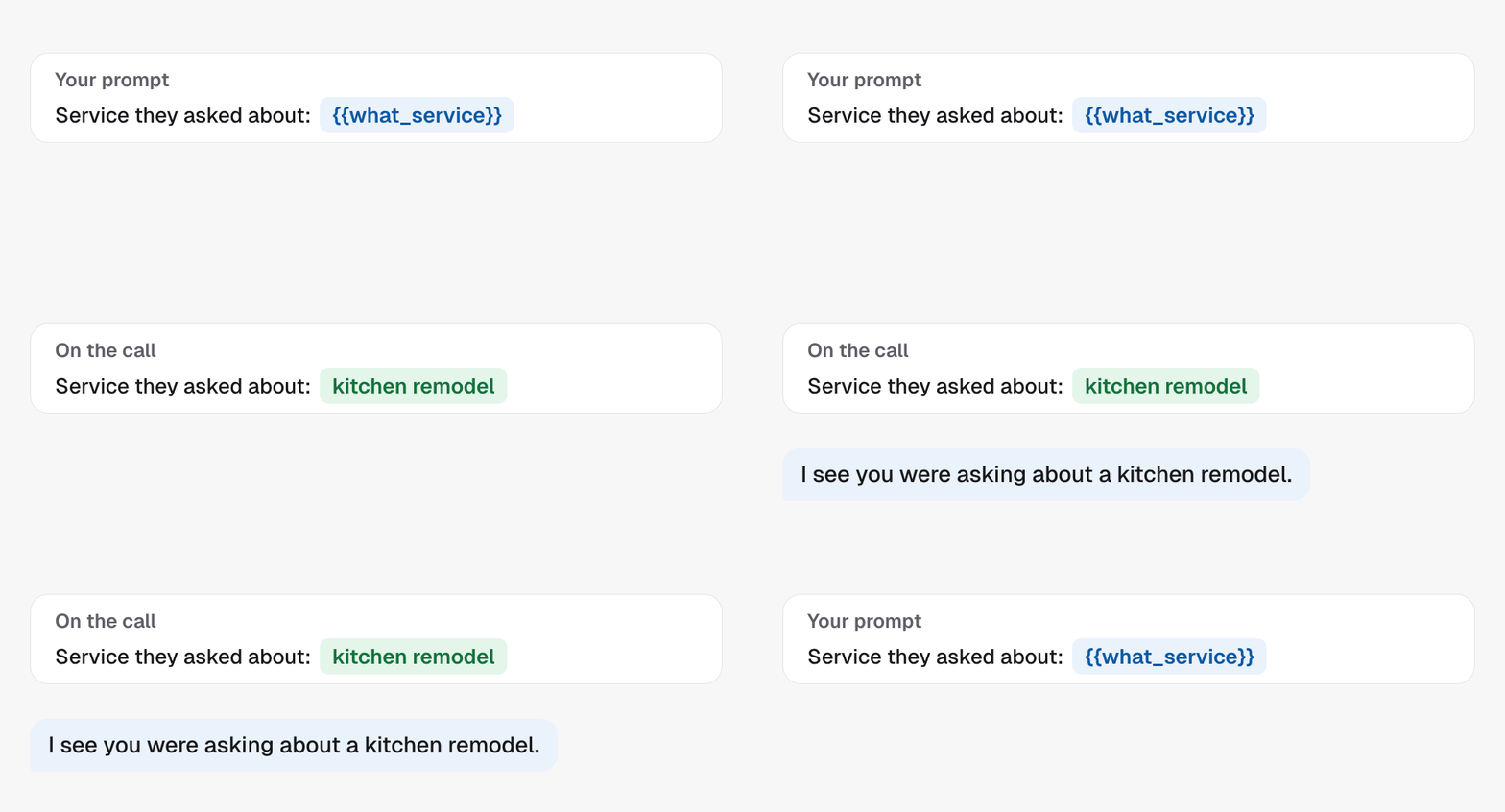
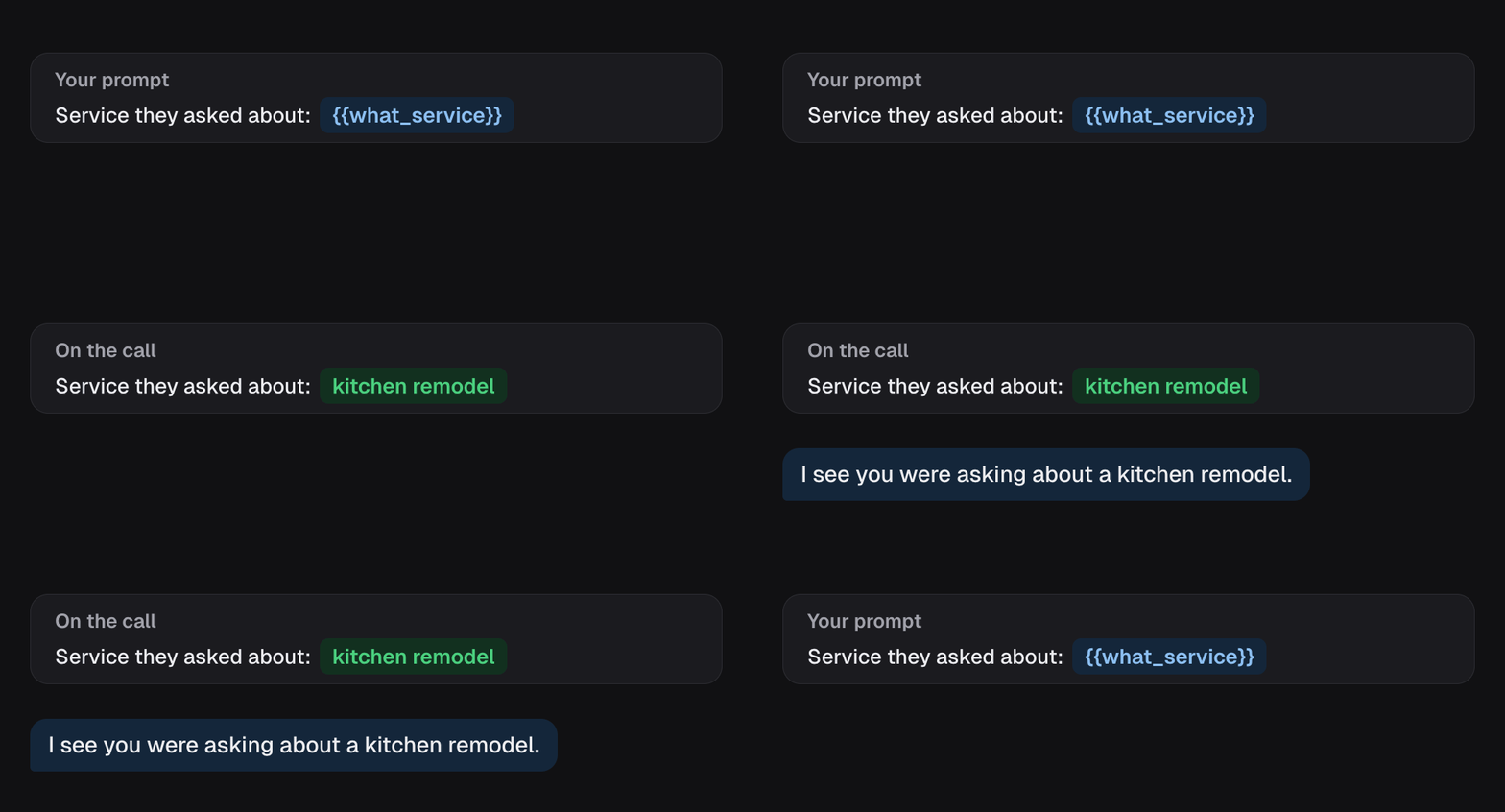
Pick a custom field from the prompt’s Variable button, under Custom fields. It goes in as a short token, like{{what_service}}, and the lead’s
answer is filled in when the call is placed. The agent can then say “I see you
were asking about a kitchen remodel” rather than “you asked about our
services”.
When the connection is not healthy
Every setting that reaches into GoHighLevel depends on the project’s connection. Three error codes tell you what kind of broken it is:
In the dashboard, a tag or calendar list that comes back empty can also mean
the connection is broken.
See Agencies, projects and sub-accounts for project
states.
Boundaries
- The dashboard reads the sub-account when a page loads. A tag created in GoHighLevel after that shows up once you reload the page, and custom fields have a Refresh button.
- Ids are per sub-account. A calendar id from one client’s sub-account means nothing in another’s. This is why a master agent binds assets by name.
- The dashboard’s contact lookup finds a contact by phone number only.
In the API
The CRM lookups the dashboard uses (tags, calendars, custom fields, custom values and the contact lookup) are not part of the public API. Read them from your CRM directly, then pass the ids to the settings that want them:- Update campaign takes the
trigger tags and, under
config, the booking calendar - Add actions to an outcome takes tag, stage and calendar ids on workflow nodes
- CRM resources explains which location each id must belong to
- Every field above is defined in the Glossary
Related
- GoHighLevel and native contacts explains the two places a sub-account can keep its contacts.
- Campaign workflows consume these ids.