
Start here
Quickstart
Create an agent, give it a number, hear it call you, switch it live. Five
requests.
How it works
Agent, campaign, project and number, and how a lead moves through them.
Authentication
Create an API key, pick the narrowest scopes, send it as a bearer token.
Conventions
Ids, envelopes, dates, pagination, error codes and rate limits, once.
What do you want to do?
Call every new lead within a minute
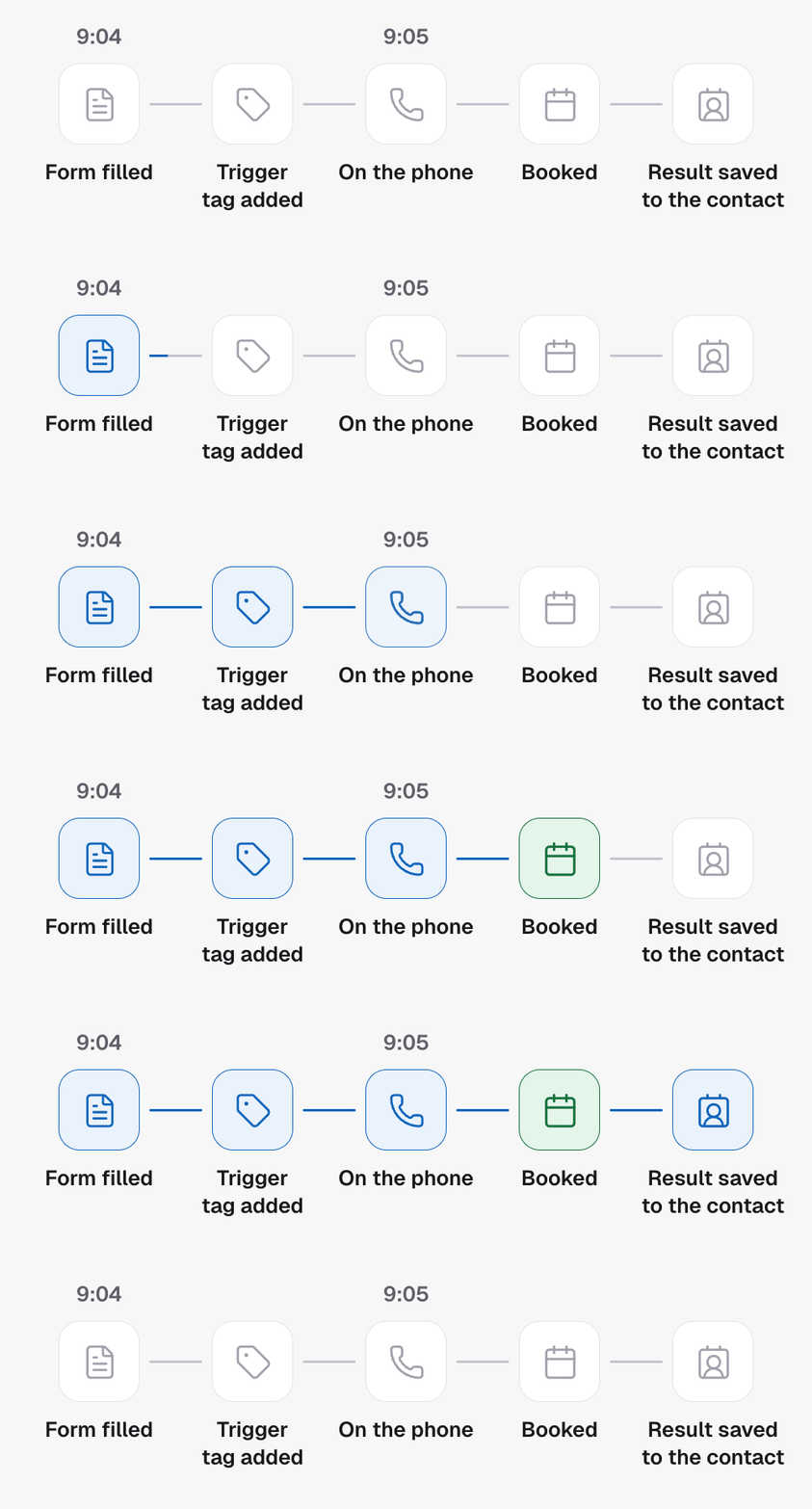
Speed to lead: the trigger tag lands, the agent dials. Optional delay so a
text lands first.
Work a lead over days, not once
Cadences: call day one, text day two, call again day four, tag and stop.
Only call when the business is open
Calling windows in the sub-account’s timezone, or the lead’s own.
Book, transfer or tag on the call
Capabilities decide what the agent may do and which outcomes a call can
end in.
Recover leads you already have
Dry-run, then enrol a thousand tagged contacts through the same entry new
leads use.
Prove what happened to every lead
Transcript, recording, outcome and cost on every call record. Metrics you
can explain.
Do the CRM work after each call
One branch per outcome: tag, move stage, note, text, book.
Find out which opener books more
Two to five variants of one agent, leads assigned by weight, results per
variant.
Charge clients for the calls you run
Rebill a sub-account at your own rate, take the payment from your client’s
card, and see where every agency stands.
Run one agent across every client
Build the campaign once. Each sub-account’s calendar and pipeline resolve
for it.
Let an AI assistant run it
Every published endpoint as an MCP tool except the ones that charge a card,
filtered by the credential’s scopes.
How the pieces fit
- An agent knows what to say: prompt, voice, skills, and what to record. See What an agent is.
- A campaign decides who the agent calls and when: trigger tags, dispatch mode, calling window, caller ID. See What a campaign is.
- A project is one sub-account. It keeps its contacts in GoHighLevel or in Team Follow Up, and its agents, campaigns, contacts and calls all live inside one. See Agencies, projects and sub-accounts.
- A wallet pays for the calls. Your agency’s buys the minutes; a sub-account can have its own when you rebill it, funded by your client’s card. See Balances, spend and sub-account wallets.
- Every term used in these docs is defined in the Glossary.