
Prerequisites
- An agent. See Quickstart.
- One moment you want handled differently, and what “handled well” looks like.
- For the API, a key with
agents:write.
An example
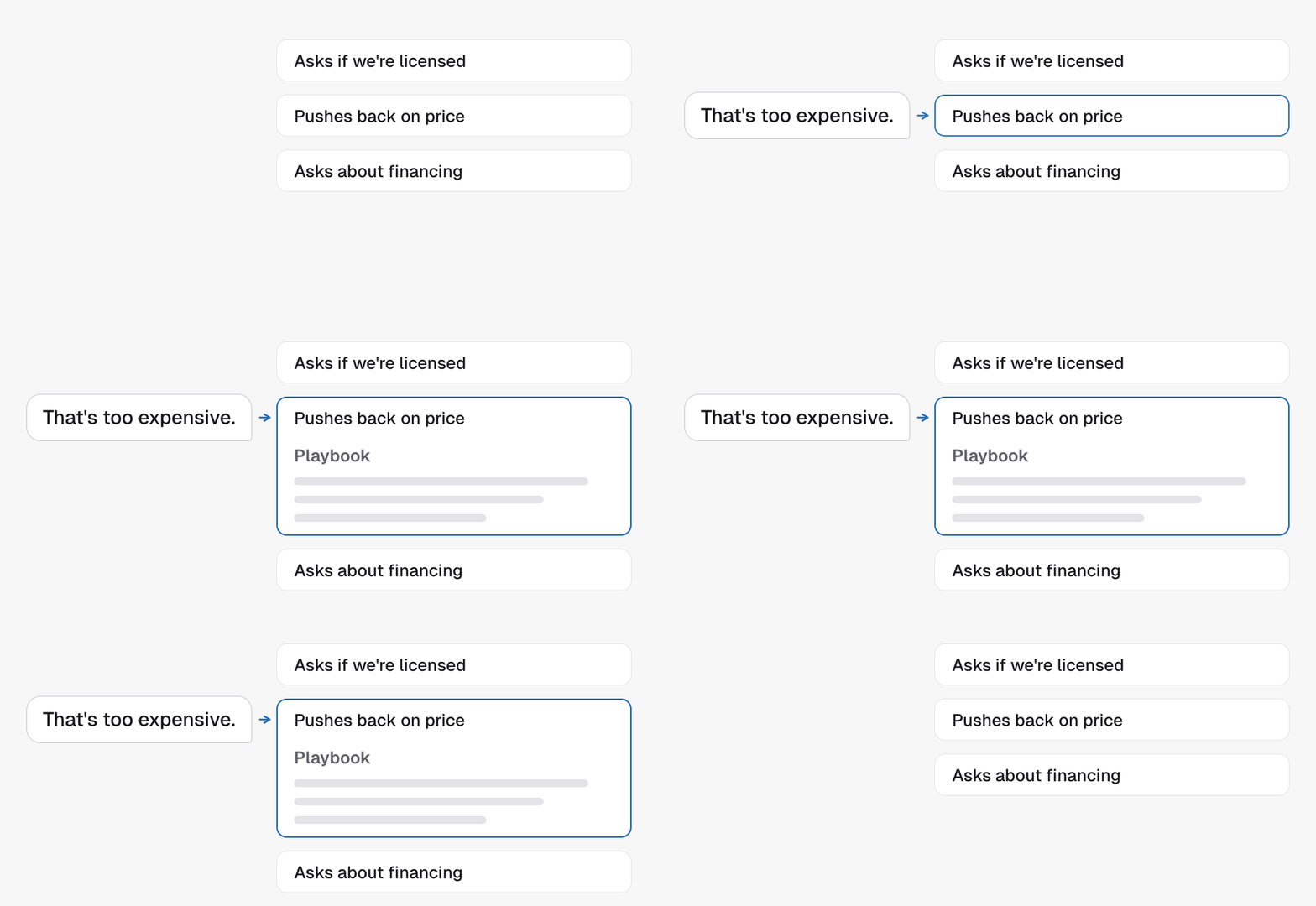
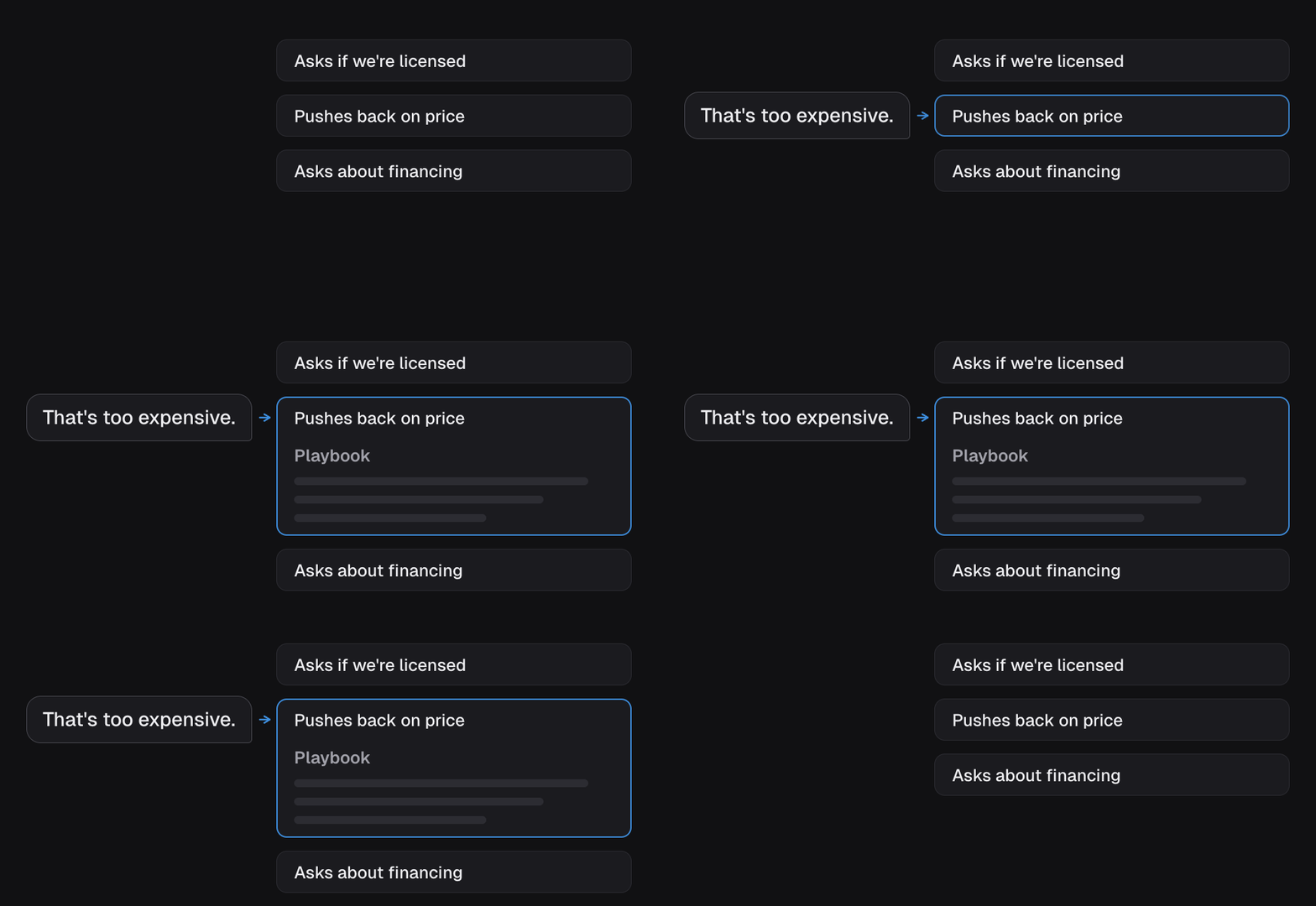
A price objection skill:- When to use it: the lead says it’s too expensive, or asks for a discount.
- Playbook: Don’t discount. Anchor on what’s included and the outcome they came for. Remind them the first consultation is free, so there’s no risk in starting. If they still hesitate, offer to book the consult.
Step 1: Add it
In Skills & Tools on the agent, choose Create a Skill, fill in Name, When should the agent use this? and Playbook, and save. Or send the same fields to Create an agent skill:name is capped at 120 characters and whenToUse at 300. Anything longer in
whenToUse is truncated, so put the trigger in the first sentence.
Step 2: Hear it
Bring the moment up yourself. Talk to the agent in the browser and push back on price. If the agent does not reach for the skill, the trigger is too vague. If it reaches for it and says the wrong thing, the playbook is.Step 3: Keep it sharp
Two habits keep skills sharp:- One moment per skill. Don’t fold three situations into one, split them so each trigger stays clean.
- Say the “never.” The most useful line is often what the agent must not do. Spell it out.
version you read as expectedVersion. Switch one off with
enabled: false rather than deleting it, so you keep the wording. List agent skills
with view=summary shows every skill on the agent in one line each, which is the quickest way to spot overlap.
Next steps
- The tool library for the moments that need real code, such as a coverage check.
- Skills and tools for the full record shape.