
Start a test
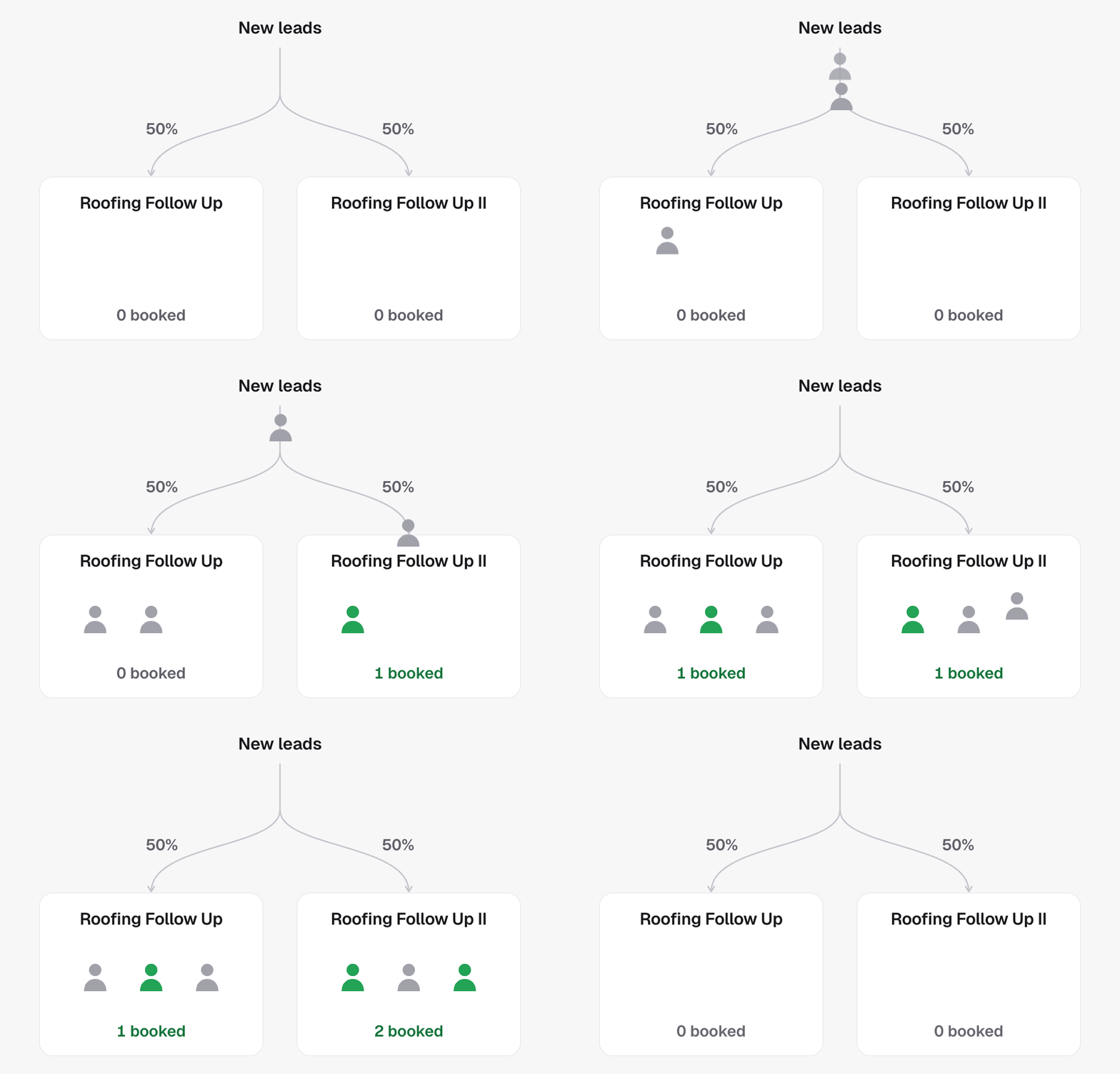
Convert the campaign into a split test. The original agent becomes the primary version, and a copy starts with the same settings. Traffic is divided evenly. Edit the copy’s script, voice or outcomes to introduce the change you want to compare. A campaign cannot be both a split test and a master campaign.Manage versions and traffic
- Add a version: create up to five versions. Adding one redistributes traffic evenly, so adjust the shares again if you want a different balance.
- Change traffic shares: set a share for each active version. Together, their shares must add up to 100%.
- Remove a version: its traffic is redistributed among the remaining versions. Past calls still stay associated with the version that made them.
Keep names recognizable
By default, other versions follow the primary agent’s name with Roman numerals. Renaming the primary updates these names automatically. You can give a version its own name instead; custom names and removed versions’ historical names stay unchanged.Compare the results
Use run history and campaign reporting to compare performance over a suitable period. Keep campaign capabilities consistent throughout the test so the versions remain comparable; finish the test before changing those capabilities.In the API
- Convert campaign to split test starts one
- Add split variant, Update split weights and Remove split variant manage the arms
- Get split test reads the variants, weights and
revision