
Outbound and inbound campaigns
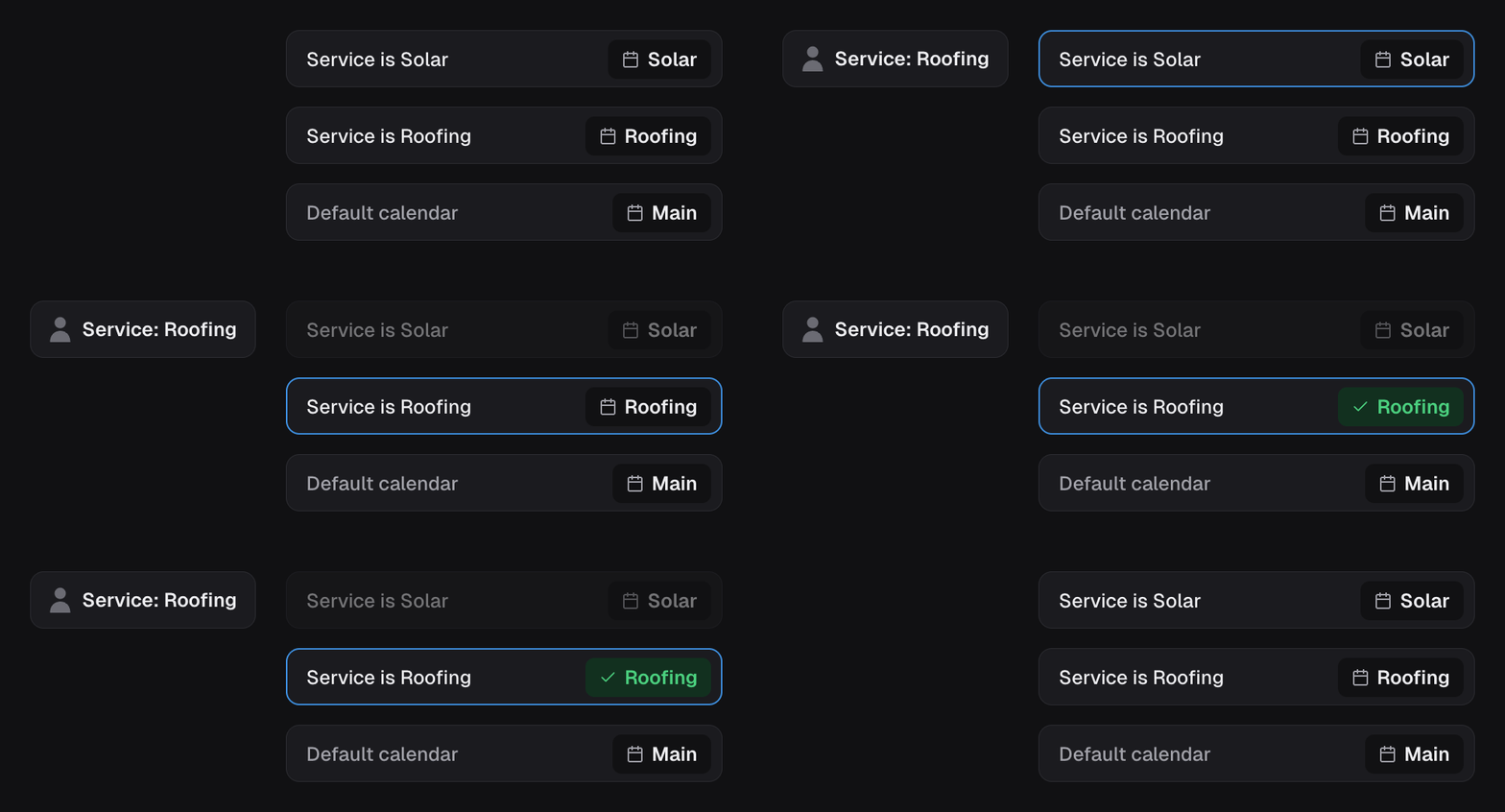
The capability’s calendar is where new appointments are booked. The campaign’s trigger stays the same: an outbound campaign starts from its trigger (a tag, by default); an inbound campaign starts from an incoming call. With Conditional routing on, calendar rules can choose a different calendar for a matching lead. The first matching rule wins, with the Default calendar as fallback. Changing the default does not remove those rules.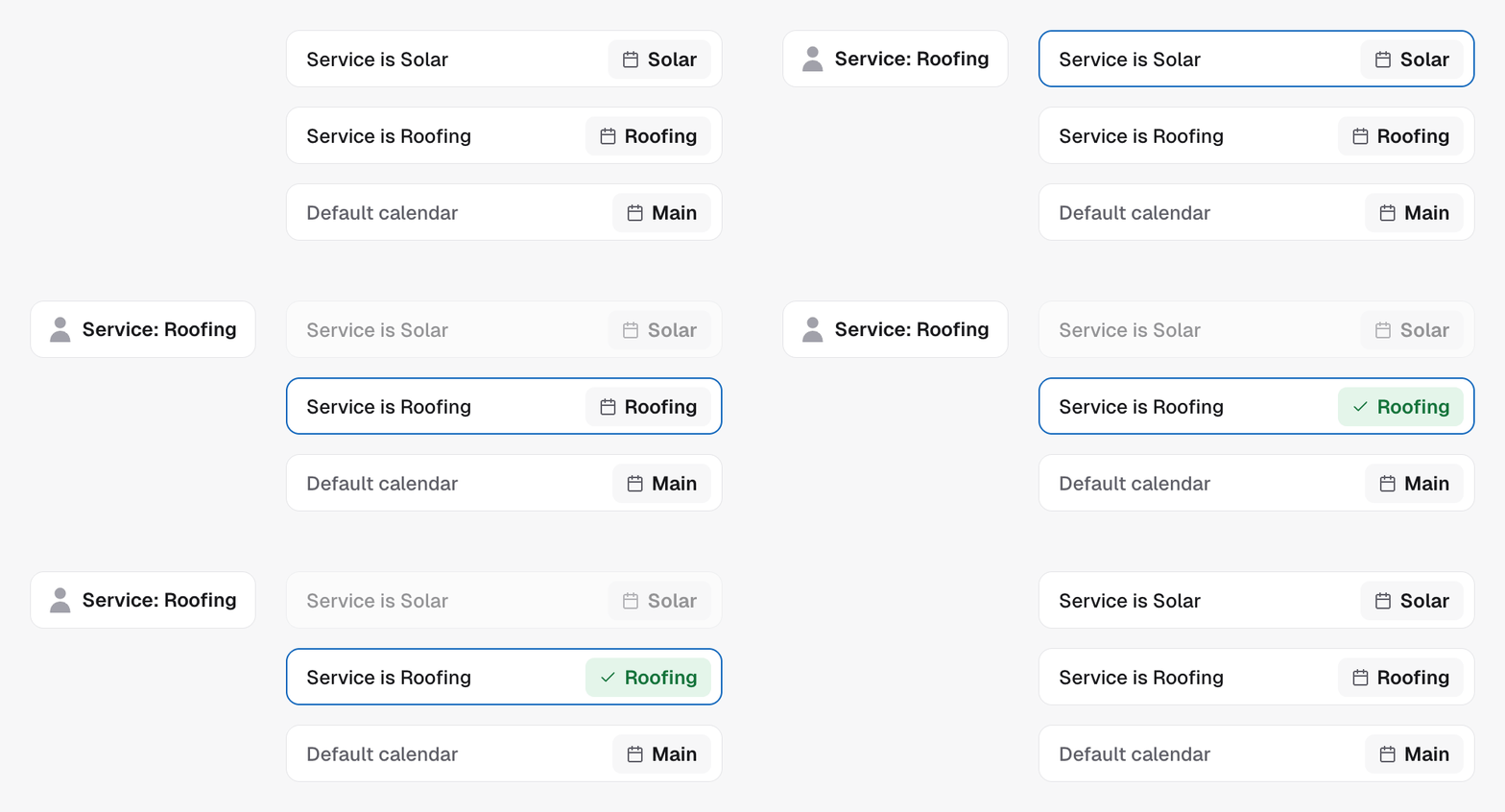
Confirmation campaigns
A confirmation campaign watches appointments on the calendar selected on its trigger. Rescheduling currently uses that same calendar. There is no separate booking calendar, conditional booking routing or address-collection setting here.When booking is absent
A calendar value or an instruction to book does not install a capability. Check Skills & Tools to see what this agent actually has. Removing Appointment Booking does not remove the agent or turn its campaign into another type.In the API
- Update campaign installs or edits it under
capabilities.appointment_booking, with the calendar asconfig.calendarId - Get campaign reads the current setting and the
expectedVersionto send back - The tool library lists every capability