> ## Documentation Index
> Fetch the complete documentation index at: https://docs.teamfollowup.ai/llms.txt
> Use this file to discover all available pages before exploring further.
> ## Agent Instructions
> Use the public API base URL: https://api.teamfollowup.ai/api.
> Authenticate public API requests with Authorization: Bearer YOUR_API_KEY.
> Use product-owned terms: agents, campaigns, projects (GoHighLevel sub-accounts), contacts, calls, outcomes, skills, cadences, phone numbers.
> Scope requests by locationId rather than projectName.
> Read the guide linked from each API reference group before recommending an endpoint.
# Run history
> One row per processed call: who, when, how it ended, and whether the post-call actions ran or errored. This is where you answer what actually happened, rather than what should have happened.
One row per processed call: who, when, how the call ended, and whether the
post-call actions ran or errored. Plus how many future dials are scheduled.
This is what you read whenever the question is what **happened**, as opposed to
what is configured.
* **"Did it call John?"** Look him up. Either there is a row or there is not.
* **"Why didn't the text go out?"** Find the run and read its workflow status. A
step that failed is marked **Failed**, and the run shows which step it was. A
call that could not be placed at all reads **Not placed**.
* **"How did my test go?"** It appears here once the call is processed.
## No row is also an answer
If there is no run for someone, the campaign never processed a call for them.
That is a different problem from a call that went badly, and it points somewhere
else entirely: they were probably never enrolled.
**Execution History** has three lists. Look in this order:
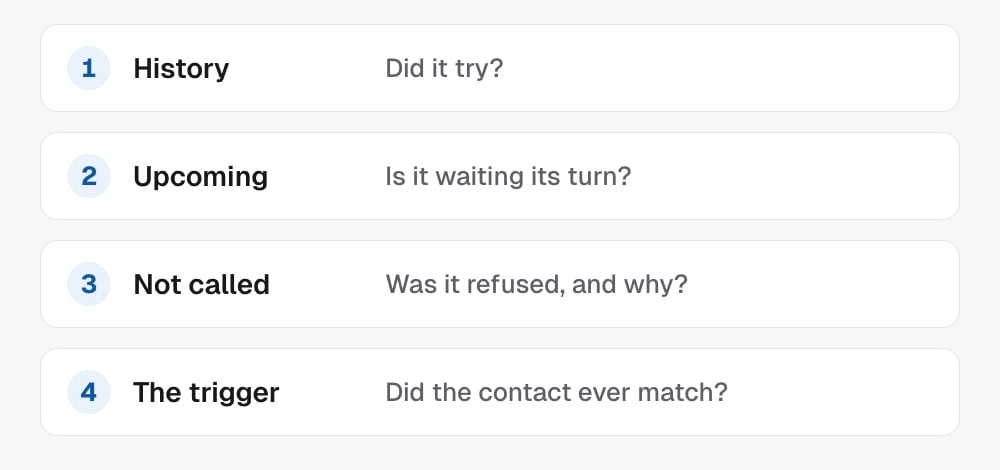
 1. **History**: a row means it tried, even if the call reads **Not placed**.
2. **Upcoming**: they may be waiting for the calling window or a later step.
3. **Not called**: dials the campaign refused, such as **On standby**,
**Already booked** or **Do not call**. It covers the last 7 days, up to 50
contacts.
4. **The trigger**: check they match it (**Tag added**, **New contact**,
**Pipeline stage** or **Custom field set**, see
[Who gets called](/campaigns/audience)) and that the campaign is live. The
[pipeline](/campaigns/pipeline) shows anyone waiting there.
A few refusals leave no trace in any list: a contact with Do Not Disturb on
when the campaign doesn't call them, a lead that arrived outside the calling
window with dropping turned on, and a speed-to-lead trigger that arrived while
the campaign was paused.
## Going deeper on one call
Open one run in **Execution History** to see the path that call took through
the campaign canvas, with a failed step in red. Reach for it when the list says
a step failed and you want to see exactly where. Agency admins can open it;
project users can't.
## In the API
* [List campaign runs](/api-reference/campaigns/list-campaign-runs) is the same log, one row per processed call; a dial that has not happened yet appears with `phase` `scheduled` and its `nextCallTime`
* [Get call](/api-reference/calls/get-call) opens the transcript behind one row
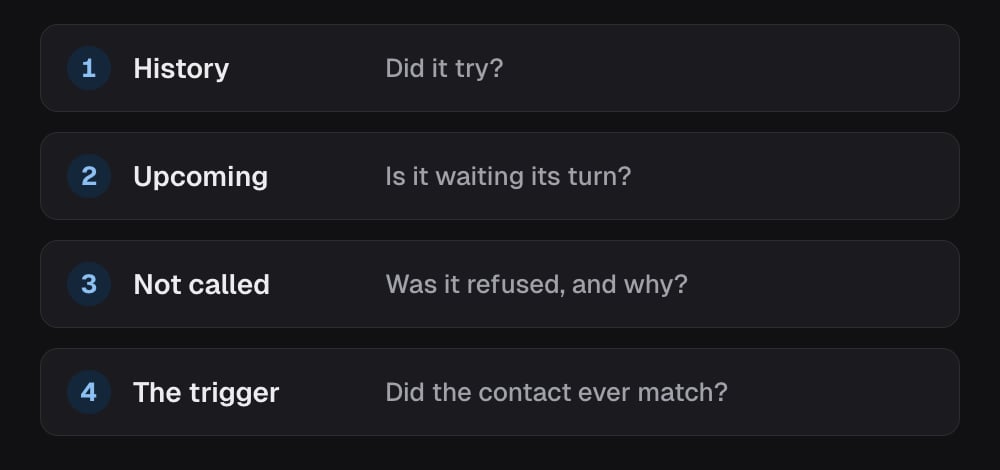
1. **History**: a row means it tried, even if the call reads **Not placed**.
2. **Upcoming**: they may be waiting for the calling window or a later step.
3. **Not called**: dials the campaign refused, such as **On standby**,
**Already booked** or **Do not call**. It covers the last 7 days, up to 50
contacts.
4. **The trigger**: check they match it (**Tag added**, **New contact**,
**Pipeline stage** or **Custom field set**, see
[Who gets called](/campaigns/audience)) and that the campaign is live. The
[pipeline](/campaigns/pipeline) shows anyone waiting there.
A few refusals leave no trace in any list: a contact with Do Not Disturb on
when the campaign doesn't call them, a lead that arrived outside the calling
window with dropping turned on, and a speed-to-lead trigger that arrived while
the campaign was paused.
## Going deeper on one call
Open one run in **Execution History** to see the path that call took through
the campaign canvas, with a failed step in red. Reach for it when the list says
a step failed and you want to see exactly where. Agency admins can open it;
project users can't.
## In the API
* [List campaign runs](/api-reference/campaigns/list-campaign-runs) is the same log, one row per processed call; a dial that has not happened yet appears with `phase` `scheduled` and its `nextCallTime`
* [Get call](/api-reference/calls/get-call) opens the transcript behind one row