> ## Documentation Index
> Fetch the complete documentation index at: https://docs.teamfollowup.ai/llms.txt
> Use this file to discover all available pages before exploring further.
> ## Agent Instructions
> Use the public API base URL: https://api.teamfollowup.ai/api.
> Authenticate public API requests with Authorization: Bearer YOUR_API_KEY.
> Use product-owned terms: agents, campaigns, projects (GoHighLevel sub-accounts), contacts, calls, outcomes, skills, cadences, phone numbers.
> Scope requests by locationId rather than projectName.
> Read the guide linked from each API reference group before recommending an endpoint.
# Split testing an agent
> Run two or more versions of the same agent against the same leads, split the traffic between them, and let the results decide which one you keep.
A split test compares versions of an agent on the same campaign. You choose how
much traffic each version receives, then compare the results.
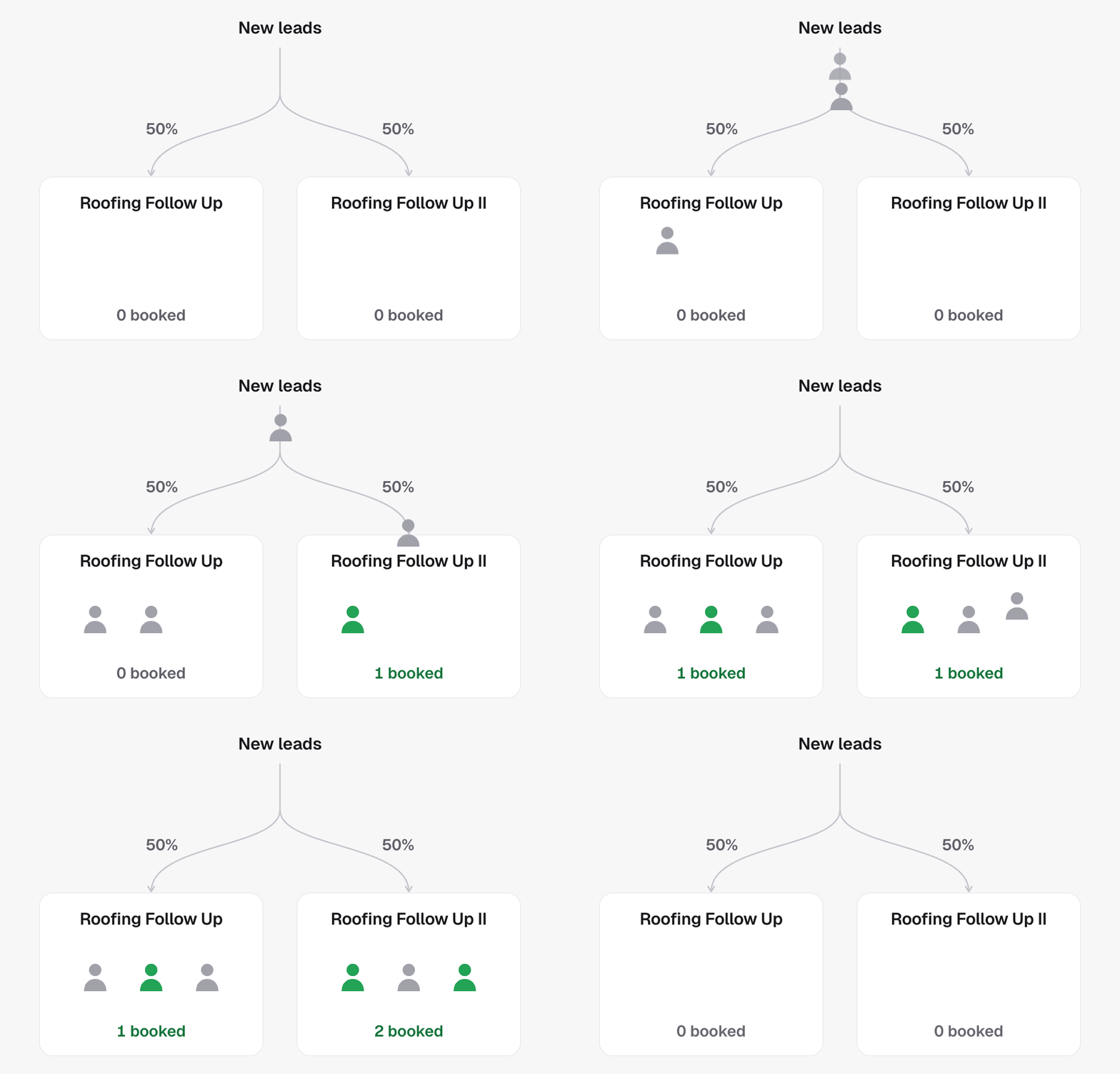
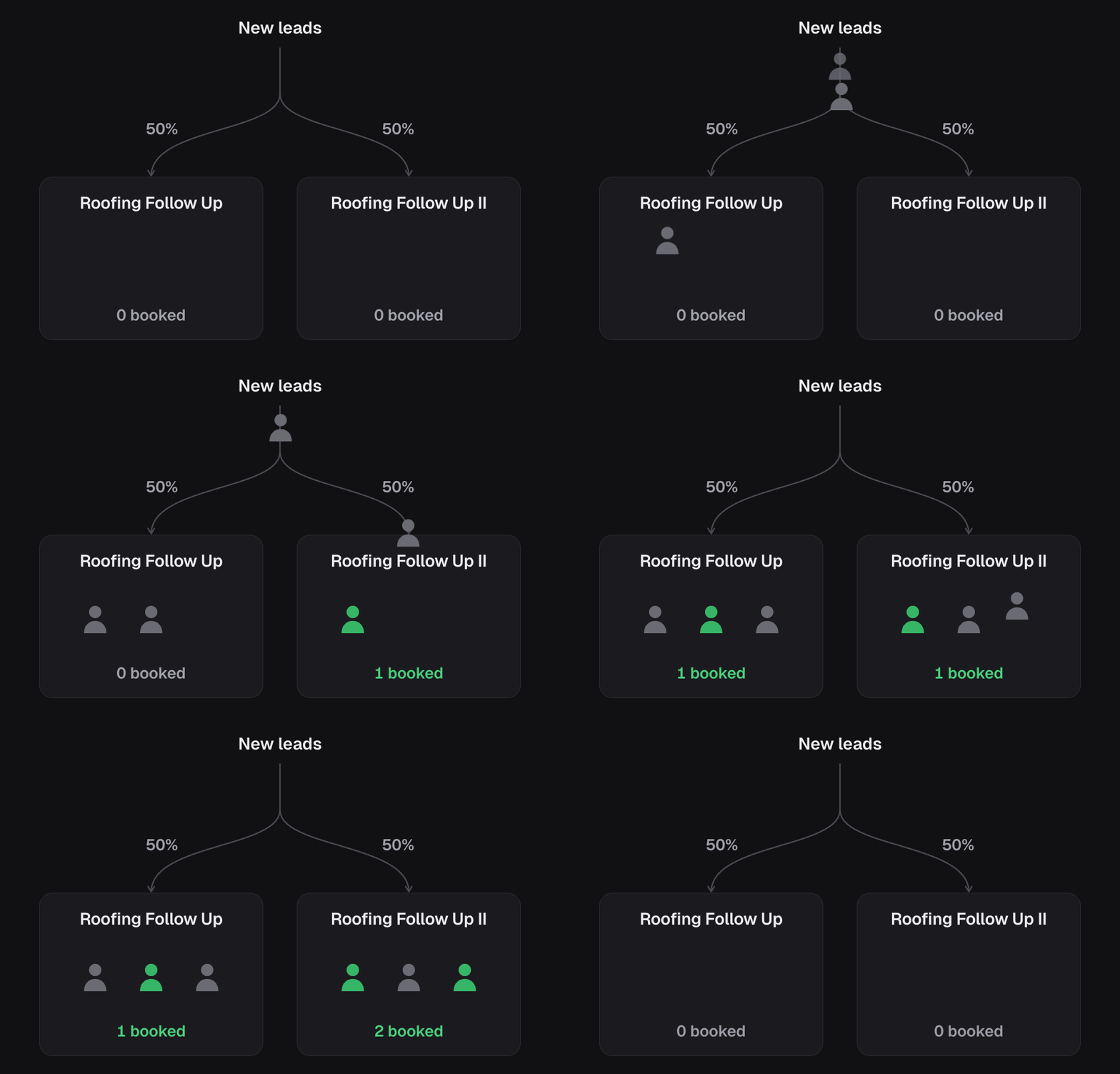 Try it when you want to test a different opening, offer or qualification step.
Changing one thing at a time makes the results easier to interpret.
## Start a test
Convert the campaign into a split test. The original agent becomes the primary
version, and a copy starts with the same settings. Traffic is divided evenly.
Edit the copy's [script](/agents/prompt), [voice](/agents/voice) or
[outcomes](/agents/outcomes) to introduce the change you want to compare.
A campaign cannot be both a split test and a master campaign.
## Manage versions and traffic
* **Add a version:** create up to five versions. Adding one redistributes traffic
evenly, so adjust the shares again if you want a different balance.
* **Change traffic shares:** set a share for each active version. Together,
their shares must add up to 100%.
* **Remove a version:** its traffic is redistributed among the remaining
versions. Past calls still stay associated with the version that made them.
The primary version stays throughout the test. To end the test, remove the
other versions; the primary receives all traffic again.
## Keep names recognizable
By default, other versions follow the primary agent's name with Roman numerals.
Renaming the primary updates these names automatically. You can give a version
its own name instead; custom names and removed versions' historical names stay
unchanged.
## Compare the results
Use [run history](/campaigns/run-history) and campaign reporting to compare
performance over a suitable period. Keep campaign capabilities consistent
throughout the test so the versions remain comparable; finish the test before
changing those capabilities.
## In the API
* [Convert campaign to split test](/api-reference/agents/convert-campaign-to-split-test) starts one
* [Add split variant](/api-reference/agents/add-split-variant), [Update split weights](/api-reference/agents/update-split-weights) and [Remove split variant](/api-reference/agents/remove-split-variant) manage the arms
* [Get split test](/api-reference/agents/get-split-test) reads the variants, weights and `revision`
Try it when you want to test a different opening, offer or qualification step.
Changing one thing at a time makes the results easier to interpret.
## Start a test
Convert the campaign into a split test. The original agent becomes the primary
version, and a copy starts with the same settings. Traffic is divided evenly.
Edit the copy's [script](/agents/prompt), [voice](/agents/voice) or
[outcomes](/agents/outcomes) to introduce the change you want to compare.
A campaign cannot be both a split test and a master campaign.
## Manage versions and traffic
* **Add a version:** create up to five versions. Adding one redistributes traffic
evenly, so adjust the shares again if you want a different balance.
* **Change traffic shares:** set a share for each active version. Together,
their shares must add up to 100%.
* **Remove a version:** its traffic is redistributed among the remaining
versions. Past calls still stay associated with the version that made them.
The primary version stays throughout the test. To end the test, remove the
other versions; the primary receives all traffic again.
## Keep names recognizable
By default, other versions follow the primary agent's name with Roman numerals.
Renaming the primary updates these names automatically. You can give a version
its own name instead; custom names and removed versions' historical names stay
unchanged.
## Compare the results
Use [run history](/campaigns/run-history) and campaign reporting to compare
performance over a suitable period. Keep campaign capabilities consistent
throughout the test so the versions remain comparable; finish the test before
changing those capabilities.
## In the API
* [Convert campaign to split test](/api-reference/agents/convert-campaign-to-split-test) starts one
* [Add split variant](/api-reference/agents/add-split-variant), [Update split weights](/api-reference/agents/update-split-weights) and [Remove split variant](/api-reference/agents/remove-split-variant) manage the arms
* [Get split test](/api-reference/agents/get-split-test) reads the variants, weights and `revision`